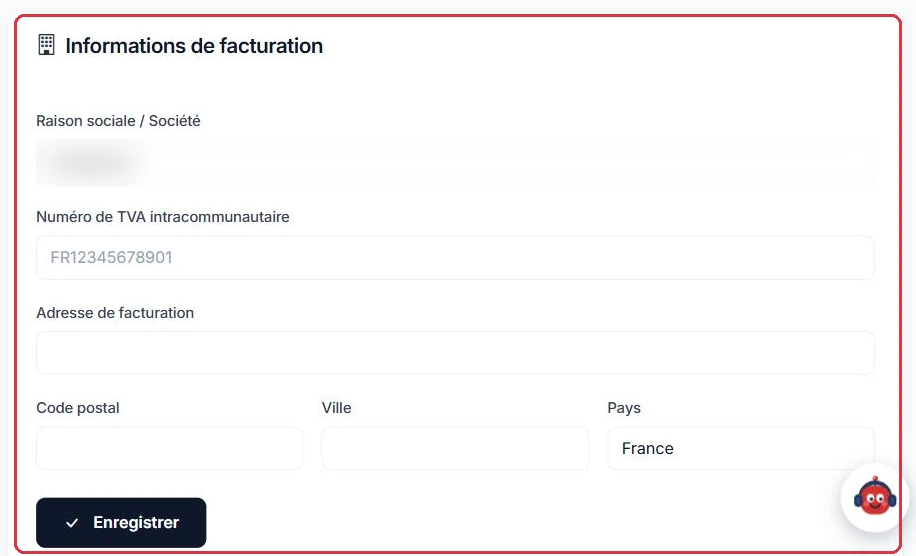
The "Settings" page brings together all your configuration options: your profile, security, preferences, each radio's settings and your billing information. Navigation is done via vertical tabs in the left-hand column.
Open the profile menu at the bottom of the sidebar, then click "Settings".
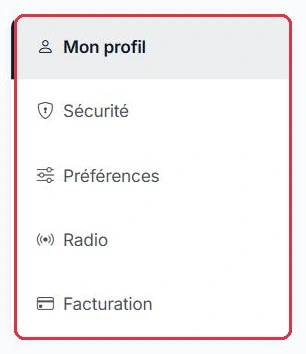
Your personal information:
At registration, the postal address is international: the country is selected from a list (European Union countries first, then all others), and the address format adapts to the chosen country (postcode required, optional or non-existent depending on the case). If you have moved or changed country since then, update these fields here: they are used on invoices.
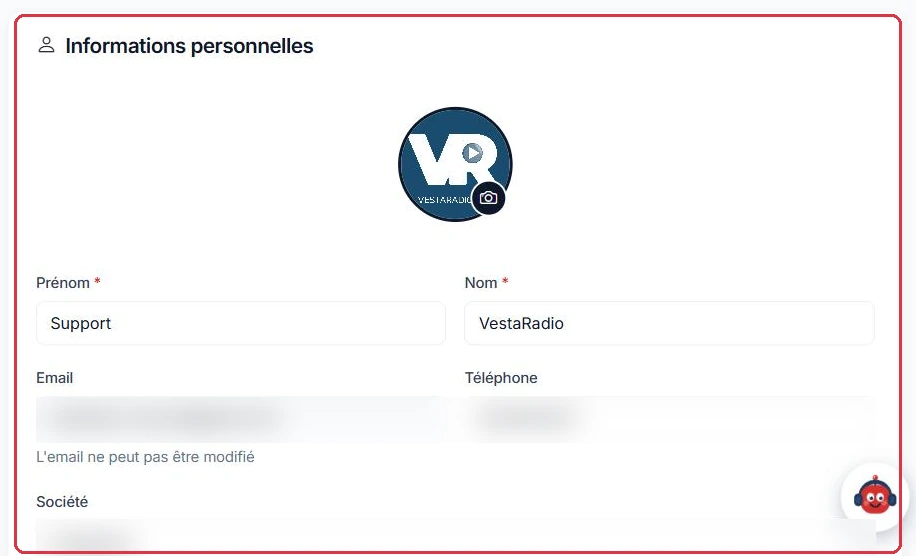
To change your password, enter your "Current password", the "New password" (minimum 8 characters) and its confirmation, then confirm with "Change password". A strength indicator guides you as you type, and the eye icon lets you display what you are entering.
The "Recent sessions" block shows your last login and the account creation date.
A presenter leaves Radio Soleil and knew your main login credentials.
Then check under "Recent sessions" that the last login shown is indeed yours.
Why: deleting their sub-account under "Team" is pointless if they can still log in with your main account. Use the strength indicator as you type: 8 characters is a minimum, not a target.
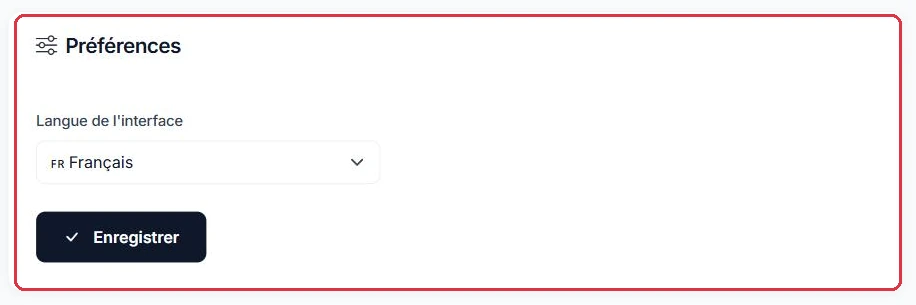
A single setting: the "Interface language". Two options are available here, Français and English. Confirm with "Save"; the change takes effect immediately.
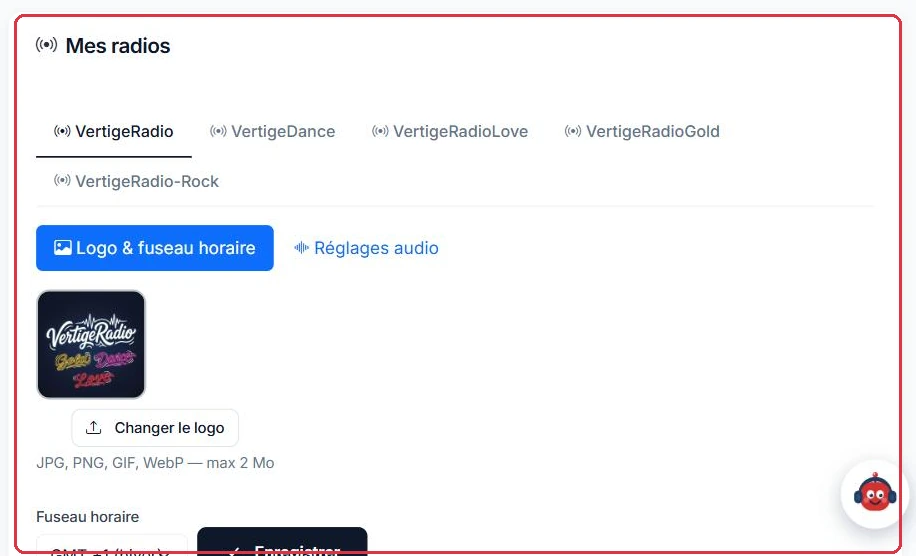
The "Radio" tab displays one tab per radio on your account. Each radio then offers two sub-tabs: "Logo & time zone" and "Audio settings".
Under "Logo & time zone":
An important point: there is no "daylight saving time" setting. You only choose your winter offset (France is GMT +1), and the switch to daylight saving time is applied automatically by the system.
The same account manages three stations. Each has its own tab under "Radio", and therefore its own time zone to configure:
GMT +1;GMT +4;GMT −4.Why: it is this setting, not your computer's clock, that sets the station's internal clock and scheduling times (top-of-hour markers, segments). The selector only asks for the winter offset, from GMT −12 to GMT +14; since European daylight saving time is then added automatically, check your schedules after the last weekend of March if your territory does not observe the time change.
The "Audio settings" sub-tab is only available if the radio is installed; otherwise a message informs you that it will be available after installation.
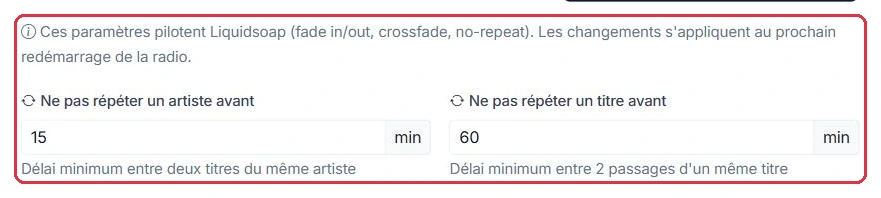
Two rotation settings:
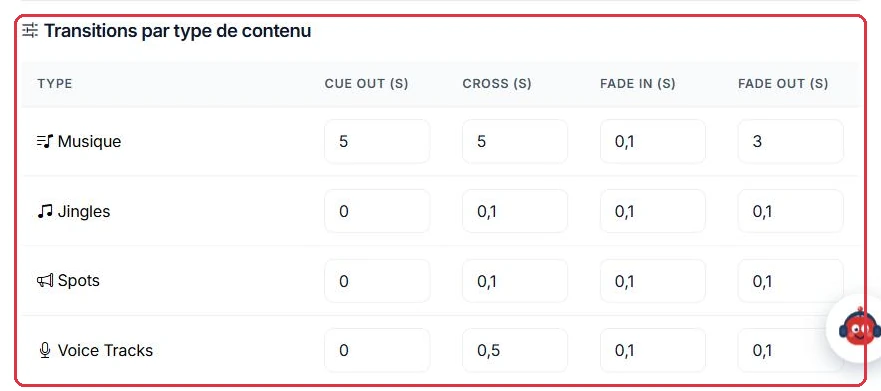
Then the "Transitions by content type" table, with a row for "Music", "Jingles", "Spots", "Voice Tracks", "Segments" and "Podcasts", and four columns for each:
Finish by clicking "Save audio settings". Unlike the logo and time zone, these settings take effect at the next radio restart.
Studio Nova is a music station: the goal is a seamless, gap-free stream.
5, Cross 5, Fade In 0.1, Fade Out 3 — these are the default values, keep them;0 and Cross 0.3 for a clean cut;15 min; "Do not repeat a track before" 60 min, increase towards 180 if your music library is small.Why: the 5 s Cue Out starts the fade before the track actually ends, eliminating the silence at the end of a file. After clicking "Save audio settings", restart the radio: without a restart, the station continues using the old values.
Radio Parole broadcasts mainly segments and podcasts, with a few musical interludes.
0 — these are also the default values;2, Cue Out to 2;240 min, as the music library rotates infrequently.Why: a crossfade over a voice cuts off the first and last words. At 0, the segment plays in full; the fade is kept only where it is useful, on music.
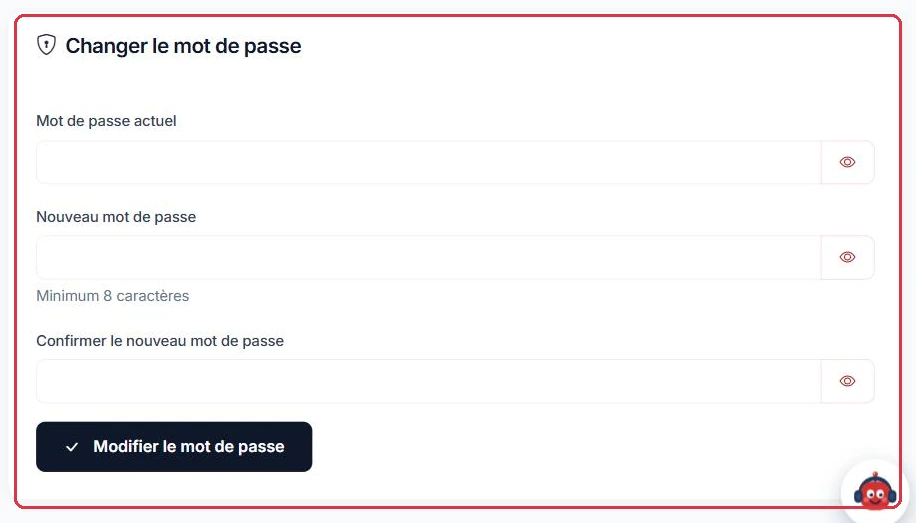
The "Billing information" block shows your "Company name / Organisation", your "VAT number" and your billing address ("Billing address", "Postcode", "City", "Country").
An association wants its invoices issued in the organisation\'s name and wishes to receive its advertising revenue by bank transfer.
Why: as long as the company name and VAT number are empty, invoices are issued in your name alone and the bank withdrawal option in "Monetisation" remains unavailable. Fill in these fields before the first billing date.