Video editing allows you to create an MP4 video from your audio productions combined with a visual background: ideal for publishing your content on social media or a video platform.
You will find this tool in the Tools > Video Editing menu. It requires the "montages-video" permission.
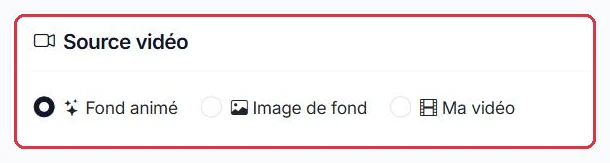
The "Video Source" offers three modes:
Ambiance FM wants to publish its "Garden Tips" segment on social media and starts from a photo.
The original photo came straight from the camera at 14 MB: above the 10 MB limit, it was rejected. Re-exported as JPEG at quality 80, it dropped to 2.4 MB and was accepted.
Why: the equaliser at 30% is barely visible on a busy photo, but above 60% it obscures the subject. 45% provides the movement that catches the eye in a news feed without hiding the image.
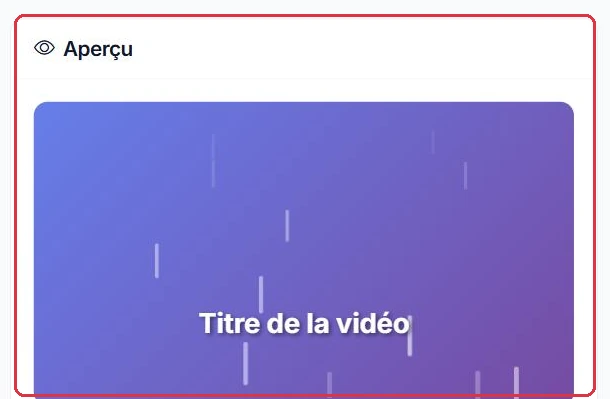
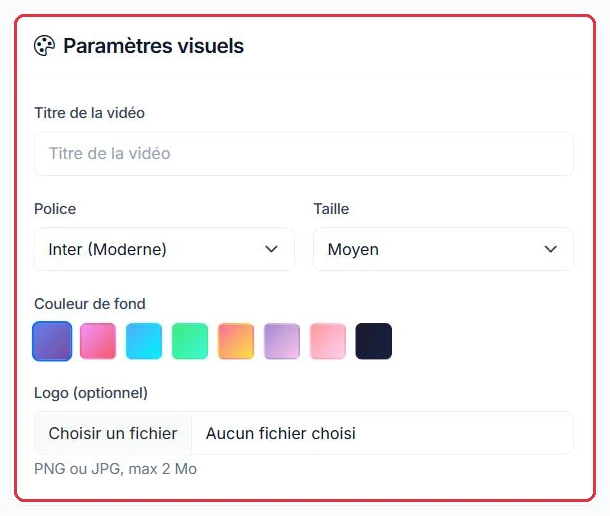
In "Animated Background" mode, you can customise the visual style:
With no usable photo for the next episode, Ambiance FM switches to "Animated Background" and fills in the four fields.
Le conseil jardin — Épisode 2.ambiancefm-logo.png, PNG with transparent background, 180 KB.Why: Bebas Neue at "Large" remains legible on a phone, whereas a thin font at "Small" becomes unreadable. A transparent PNG logo sits cleanly on the gradient without a white rectangle around it, unlike a JPG.
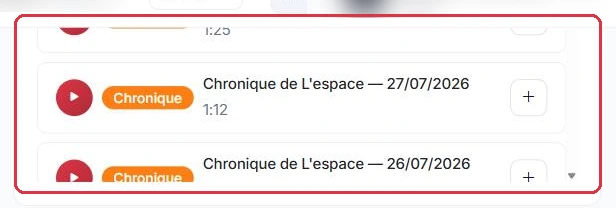
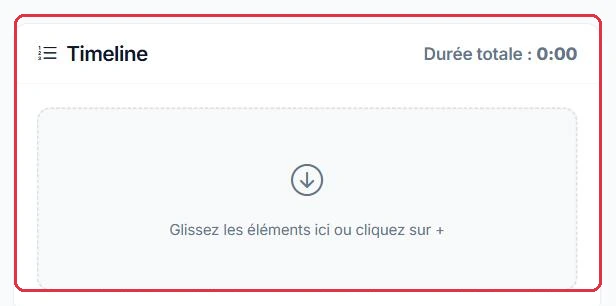
Selecting elements and working with the timeline works exactly as in audio editing: same sources (Spots, Jingles, Voice Tracks, Features, Podcasts, My Files), filter by type, search, preview, adding via "+" or double-click, drag-and-drop reordering, deletion and total duration calculated in real time.
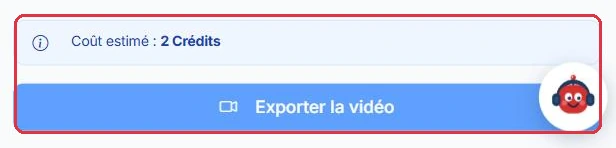
Click "Export Video" to start processing: you will be redirected to a progress tracking page.
For the social media version, Ambiance FM includes only two elements.
The closing jingle, present in the on-air version, is removed from the timeline: the total duration displayed drops back below two minutes.
Why: a social video is judged within the first few seconds. The opening jingle establishes the station\'s identity; the closing jingle only lengthens a file that no one will watch to the end.
The interface shows "2 credits" per video edit. AI credits are used for generation only (1 credit ≈ 3 seconds); broadcasting remains free. See the "AI Credits" tutorial for full details.
Ambiance FM publishes one episode per week as a video, meaning four edits per month.
The audio feature was already paid for at generation time: the video edit does not re-charge for the voice, only for the assembly.
Why: since the cost is a flat fee per export, set the title, font and logo before clicking "Export Video". A typo spotted afterwards will cost you an additional 2 credits.