
This page lets you define who speaks on your station when the AI takes the floor: which voice, which reading style, which background music. You create a profile for each use case, and the platform reuses it automatically from then on.
You can find it in the "Tools" > "Host Voices" menu. Its displayed title is "AI Host Voices", with the subtitle "Configure the voices of your virtual hosts".
The page does not offer a station selector: it works with your primary station.
The page is organised into three sections, always displayed, even when empty:
Each empty section displays a dashed frame with the message "No profile for..." and an "Add" button. Otherwise, it displays your profiles as cards.
Radio Soleil is just starting out and creates two profiles, not three, to cover all three use cases.
Animateur dédicaces, warm female voice. It is used for dedications and for the Top 10.Voix antenne, neutral male voice, for voice tracks and productions.A third profile under "Top 10 / Chart" would be saved and displayed, but would have no effect when the chart is generated.
Why: two profiles are enough to cover all three sections, and prevent you from thinking a voice is configured when it will never actually be used. The details are explained just below.

This is the point that generates the most support requests, so let's be straightforward about it.
Currently, the voice actually used by the "Weekly Top 10" (menu "Tools" > "Weekly Top 10") is the one set in the "Dedications" profile. The same voice serves both purposes.
A profile created in the "Top 10 / Chart" section is saved and displayed on this page, but it does not replace the voice used when the chart is generated.
In practice, to have the Top 10 speak with the voice of your choice:
Radio Soleil wants an energetic male voice for its Saturday chart. Here is exactly what it enters.
Animateur dédicaces.DJ Alex.The green banner "Profile saved!" confirms the save. On the "Weekly Top 10" page, the default voice offered is now DJ Alex's.
Why: the chart reads the voice linked to dedications. Creating the profile in the "Top 10 / Chart" section gives the impression the job is done, while the chart will continue speaking with a different voice.
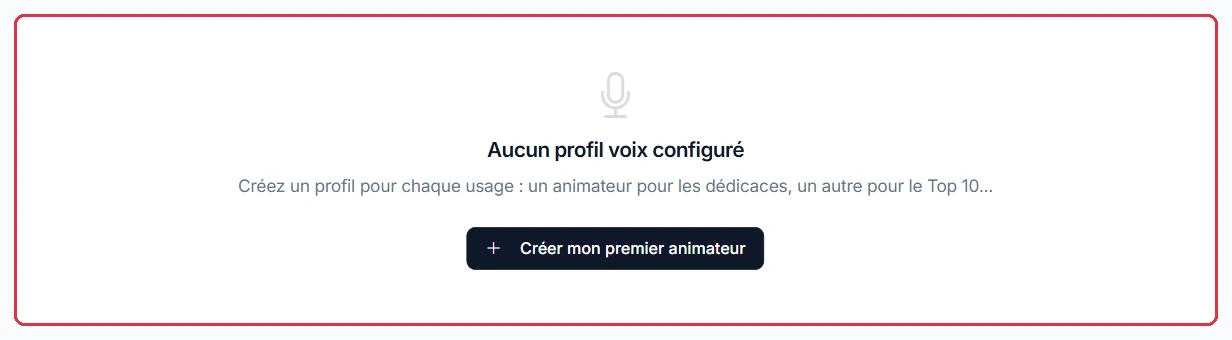
Click "New profile" in the top right, or the "Add" button in the relevant section — in that case, the use case is already pre-filled. If no profile exists yet, the page displays "No voice profile configured" and a "Create my first host" button.
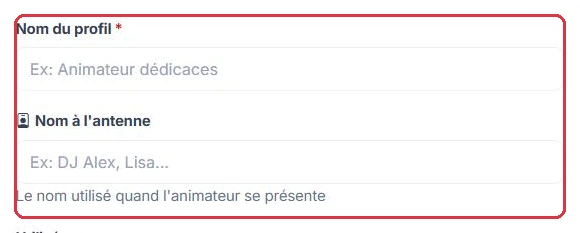
A panel opens on the right with the following fields:
Finish with "Save profile". A green banner "Profile saved!" confirms the save.
Radio Soleil\'s second profile, the one for voice tracks, field by field.
Voix antenne.Why: a voice track is inserted between two songs. An on-air name and background music would turn every transition into a mini-segment, whereas listeners simply expect a smooth handover.

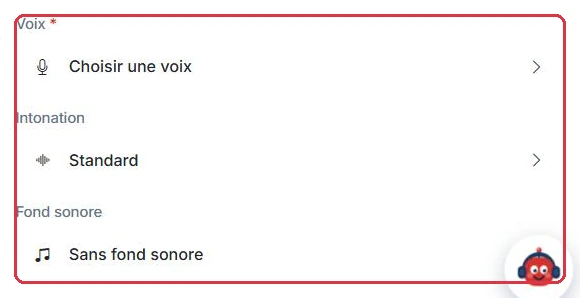
The last three fields are not drop-down lists: each one opens a dedicated side panel.
Once you have made your selection, the panel closes and you return to the profile form, with the button label updated accordingly.
Radio Soleil sets up its "Dedications" profile across three successive panels.
Three voices are previewed before making a final choice. The background music panel switches to "My tracks" if the station\'s own jingles are preferred over the library.
Why: this profile serves dedications and the Top 10. The chosen voice must work equally well on a listener message and on a chart announcement: listen to several previews before locking in your station\'s sound.
Each profile is displayed as a card, with a colour bar corresponding to its use case. The card shows:
The three-dot button in the top right of each card opens a small menu with two entries: "Edit", which reopens the pre-filled panel, and "Delete", which asks for confirmation "Delete this profile?" before removing the profile.
Radio Soleil has two "Dedications" profiles, DJ Alex and Lisa, and wants to switch back to Lisa\'s voice for the summer.
There is nothing to change in the form: simply re-saving the "Lisa" profile makes it the most recently saved "Dedications" profile, and therefore the voice used for both dedications and the Top 10.
Why: there is no need to delete "DJ Alex". It remains available for the autumn, and switching back and forth between two voices costs no credits.