
The Podcasts module generates complete audio episodes in which one to three voices converse, with jingles and background music. Ideal for a themed show, a debate or an interview produced entirely by AI.
This feature requires the "podcasts" permission. You will find it in the Production > Podcasts menu.
Creating a podcast takes place in two successive steps: first the script (the episode text), then the audio (the sound production). You review and edit the text before committing to audio generation.
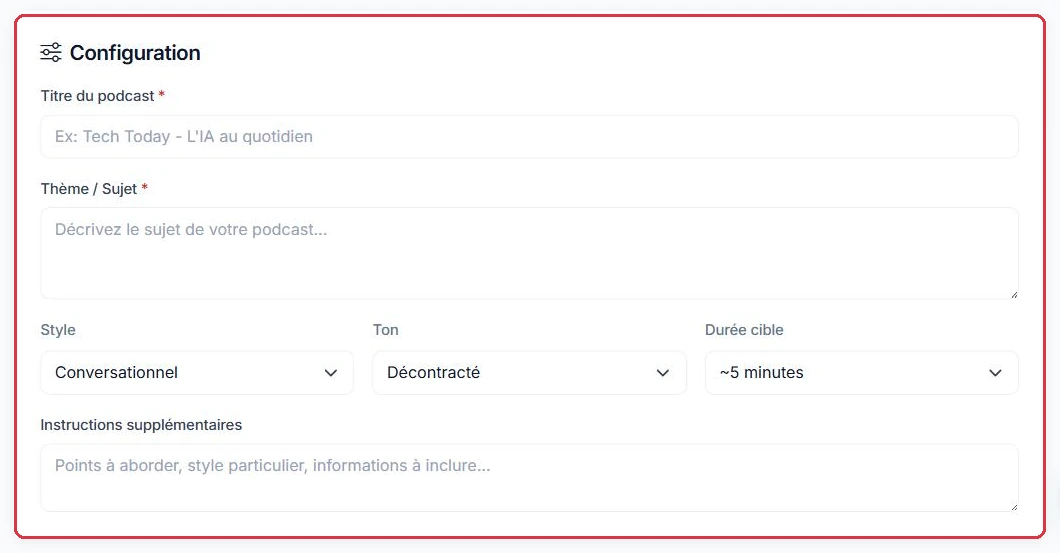
Fill in the main parameters:
Studio Nova is launching a weekly duo show about music. Here is the configuration for the first episode.
Nova Sessions - The vinyl comebackConversationalCasual~10 minutesWhy: listing the theme as bullet points gives the AI a structure to follow, resulting in a well-organised episode. A vague prompt such as "talk about vinyl" produces ten minutes that go in circles — and you pay the same price either way.
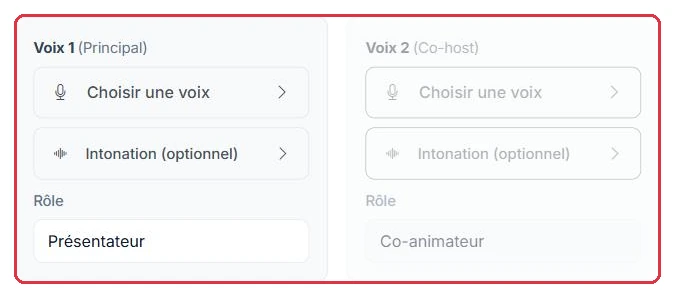
The "Mode" determines the number of speakers: Solo, Duo or Trio. Depending on your choice, one to three voice panels appear. Each panel includes:
The same episode, in Duo mode. Two voice panels appear, and you replace the default roles.
Standard, role: Host.Record shop owner, passionate and slightly critical.Why: the Role field is free text, and the AI uses it to write the lines. "Record shop owner, passionate and slightly critical" creates a genuine counterpoint; leaving "Co-host" as is produces two voices saying the same thing in turns.

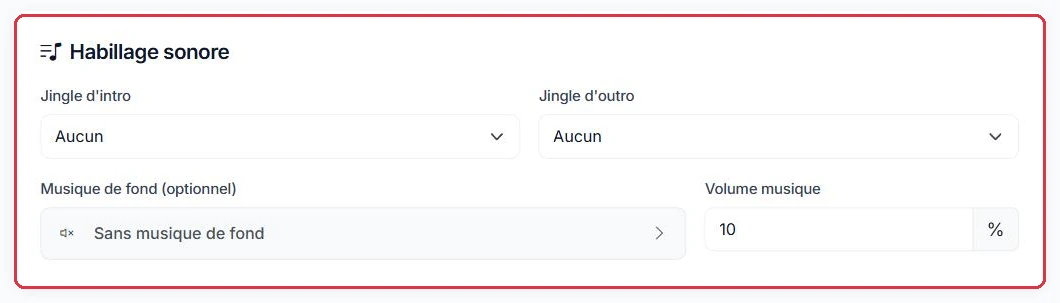
You can enhance the episode with:
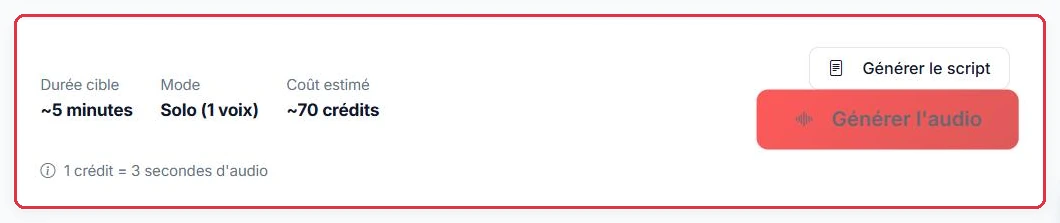
A summary permanently displays the "Estimated cost: ~X credits".
The sound branding for "Nova Sessions", kept identical from one episode to the next.
Nova Sessions intro file, previously imported into "My Files".10% — the default value.Why: intro and outro jingles are chosen from "My Files": prepare them once and they will be reused for every episode, giving the series a consistent identity. Keep the background music at 10%: any higher and it competes with the dialogue instead of supporting it.
The "Nova Sessions" script has been generated. Here is the review to carry out before clicking "Generate audio".
Why: the script step is free; the audio step is not. Correcting a segment after audio generation means paying again for the entire episode.
The "My Podcasts" page opens with a two-tab panel — "Upload" to import an already-produced episode and "AI Creation" to generate one — followed by a filter bar: search, status ("All statuses", "Completed", "In progress", "Draft", "Error") and category, with "Filter" and "Reset" buttons.
The table displays, for each episode, the cover art thumbnail, the "Title", the "Mode" (Solo, Duo or Trio), the "Category", the "Voice(s)", the "Duration", the "Status" and the "Date". At the start of each row, two quick-listen buttons: "Listen with music" and "Listen voice only".
The cover art is the image displayed next to the title in the radio player when the episode is on air. Without cover art, the category image and then the station logo are used instead. Accepted formats: JPG, PNG or WEBP, maximum 5 MB. It can also be set on the episode page, in the "Cover art" block, using "Add an image" / "Change image" and "Remove".
1 credit = 3 seconds of audio. For a podcast, the estimate corresponds to approximately 70% of the target duration (an episode includes silences and music). If the estimate exceeds your balance, generation is refused.
Creation requires an active subscription or a credit balance greater than zero; otherwise you will be redirected to the pricing page.
You compare the four target durations before launching the Studio Nova series.
The "Nova Sessions" duo episode of 10 minutes therefore costs around 140 credits, regardless of the number of voices: it is the duration that matters, not the Solo, Duo or Trio mode.
Why: for a first episode, start with a ~2-minute version using the same voices and the same sound branding. You validate the result for 28 credits instead of 140, then relaunch at 10 minutes once the settings are right.